
Equidox is a web-based PDF remediation tool that helps correct inaccessible PDF documents and export them as accessible PDFs or HTML. With features like zone recognition and tagging, you can:
- Define headings, image descriptions, columns, tables, lists, and reading order to ensure accessibility.
- Upload your PDF and use manual or automated settings to remediate documents.
- Save remediation settings for repeated use on similar documents.
Equidox is not a PDF authoring tool—it fixes accessibility issues, not content or structural edits.
Who Uses Equidox?
- Document authors & content creators
- Marketing & communication teams
- Online document publishers
How to Get Started
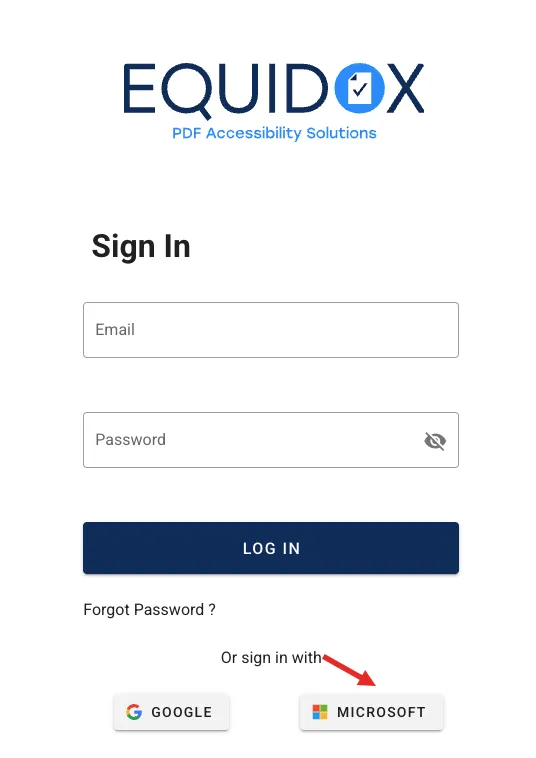
- Visit the Equidox website (https://app3.equidox.co/#/login) and select “Sign in with Microsoft”.
- Enter your Lake Sumter State College Microsoft SSO credentials (e.g.,
username@lssc.edu).
Important Notes
- Equidox does not replace PDF authoring tools (e.g., Adobe Acrobat). Use it for accessibility fixes only.
- For content or structural changes, use a separate PDF editor.
Need help? Put in a helpdesk ticket with the IT department for assistance.